MailsDaddy MBOX to PST Converter
MailsDaddy MBOX to PST Converter helps users convert emails and attachments from MBOX files to Outlook-compatible PST, as well as PDF, EML, EMLX, MSG, RTF, HTML, and MHTML formats. The MBOX converter Tool supports more than 25 email clients like Mozilla Thunderbird, Apple Mail, Entourage, Google Takeout, Spicebird, Pocomail, Eudora, Mulberry, SeaMonkey, Netscape, Opera Mail, and Evolution etc. - No Outlook required.
- Simple, Secure and Cost-effective MBOX Converter software
- Converts single as well as multiple MBOX files to PST, EML, PDF, MSG, HTML, and RTF etc.
- Preserves folder structure, inline images, HTML formatting, and attachments, etc.
- Convert MBOX to PST for Office 365 or Outlook 2021, 2019, and earlier versions.
Certified & Highly Reviewed By Leading Software Authorities
Award-Winning & Recommended by Independent Editors
Softpedia Review – MailsDaddy MBOX to PST Converter
Softpedia is an open comparative platform where the MBOX converter is described as a secure and clean application from many software around the world. This successful solution maintains all attributes and transfers folders step by step during migration. It received 4.0 out of 5.0 scores from the Softpedia reviews platform, which also assesses that it is an intuitive and user-friendly solution. You can use MBOX Converter for conversion in three ways - bulk, single, and selected mailboxes. To verify this review you can go to the official site or check it using the free version.
How Efficient is this MBOX Converter - Financesonline Review
This MBOX to Outlook converter has been awarded the Verified Quality Award by Finance Online with an 8.0 score out of 10. And according to the ratings of users, 5 out of 5 points have registered their names in the top three. Experts have checked the software on the Windows operating system and reported that it works continuously on the operating system without losing speed and can successfully convert your mailbox to Outlook, Office 365, and more. You can get successful results even when used with a large mailbox
TrustRadius Review - MBOX to Outlook Conversion Tool
TrustRadius is a good quality matching and successful review platform that declares software to be user friendly and can be used natively on over 20 email clients. The software has been verified by this review platform and experts believe that it is a better functioning software. Also, PST files are found with original mail properties, attachments, and proper structure. You can also visit the official site to rate it.
Features of the MBOX to PST Converter
Enterprise-grade recovery and conversion, packed into a simple desktop app — no technical expertise or Exchange server required.
Add multiple MBOX files at once
MBOX Converter for PST tool is designed with an advanced feature that allows users to browse and add multiple MBOX folders simultaneously for conversion to the desired file format.
Add a folder Contains MBOX files
Using this option, you can easily add a folder containing .mbox files. The software will automatically detect and add all the files with a single click.
Support .mbox / .mbx / .mbs file format
MBOX to Outlook Converter is capable of converting .mbox, .mbs, and .mbx files to pst format. Simple select a drive or folder where these files are stored and MBOX converter will handle the rest.
Email preview with intact mail properties
MBOX to PST Converter portable tool generates a complete preview of emails, allowing you to easily read the message along with detailed mail header properties.
Preview and Export Email Attachments
MBOX Mail Exporter software preserves and converts email attachments in their original format. You can easily save any required attachment by simply right-clicking on it.
Migrate MBOX to Live Exchange
This feature is especially helpful for Exchange environment users, allowing them to import MBX data simultaneously and without interruption into Live Exchange primary or archive mailboxes.
Allow Searching mails criteria wise
MBOX to PST conversion tool allows users to search and filter emails based on selected criteria such as To, From, Subject, Attachments, Date Received, and more.
Convert MBOX folders to PST file
MBOX to Outlook Converter allows users to either combine all MBOX files into a single PST file or create a separate PST file for each MBOX file, depending on your preference.
Import MBOX file to Office 365 account
You can convert MBOX to PST and import to Office 365 via Outlook profile. Alternatively, we have developed a dedicated tool to migrate MBOX files to Office 365 mailboxes directly.
Export Thunderbird to Outlook
Using this MBOX to Outlook conversion tool, you can easily transfer Thunderbird mailboxes to Outlook PST format along with their corresponding attachments and original folder structure intact.
Export Entourage for Outlook
This GUI-based tool allows you to migrate mail messages from Mac Entourage to Microsoft Outlook using the MBOX Converter tool. It offers the easiest and most efficient way to import Entourage emails into PST.
Export Apple Mail to Outlook
MBOX File Converter supports .mbox files from Mac/Apple Mail and converts them to Outlook-importable PST or any other required file format at once.
Migrate Eudora Mail to Outlook
You can use this best MBOX to PST Converter tool to migrate Eudora mailboxes to the most popular email clients like Outlook. It provides an easy and effective solution to convert MBX files to PST format with accuracy and speed.
Export Opera Mail to Outlook
Opera Mail typically saves all messages in .mbs files, which can be easily imported or migrated to MS Outlook using the MailsDaddy MBOX Email Extractor tool. This is an easy way to migrate .mbs file to Outlook PST format.
Support All Outlook Editions
The MBOX file conversion tool generates a Unicode PST file, which is supported by Microsoft Outlook 2021, 2019, 2016, 2013, 2010, 2007, and even Outlook 2011 for Mac, among others. You can also test the capability using a free demo.
Convert MBOX to EML format
The software is also used for MBOX to EML conversion which helps users to access messages with multiple email clients in Windows as well as Mac OS X.
Export MBOX to MHTML
This MBOX file converter is also used for MBOX to MHTML conversion. The resulting files can be opened with Google Chrome, Mozilla Firefox, and Opera web browsers.
Convert MBOX to MSG File Type
Exporting Messages from the MBOX file to MSG format will help you to open these emails with Microsoft Outlook. Use this option to change only the necessary messages.
Convert MBOX to RTF format
This option will help you convert MBOX file email to rich text format (.rtf), which can be opened with MS Word as well as any other text editor application.
MBOX to HTML conversion
MBOX to PST Converter also provides an option to save MBOX file messages in HTML format which can be unlocked with a standard web browser application.
Export MBOX to PDF
Install and Convert MBOX to PDF file format and directly Open in Adobe Acrobat or Browsers. This is a simple and straightforward process for individual and enterprise.
Eye-Catching Features of MailsDaddy MBOX to PST Converter software
Advanced Facilitated tool with User-friendly interface
For accurate user guidance, the software is designed to be intuitive and instructive so that even a novice can easily transfer MBOX data to PST with the help of the MBOX converter.
- For accurate user guidance, the software is designed to be intuitive and instructive so that even a novice can easily transfer MBOX data to PST with the help of the MBOX converter.
- Engineered specifically for optimal advanced facilitated tool with user-friendly interface workflows.
- Maintains complete data integrity, folder hierarchy, and email attributes.
Single, Bulk and Selective Migration
The MBOX Exporter tool provides three types of migrating mailboxes - single, selected, and bulk mailboxes.
- Processes multiple mailbox archives simultaneously in a single batch session.
- No file size restrictions when processing massive mailbox databases.
- Significantly reduces administrative migration time with zero data loss.
Multi MBOX Converter with the different export format
The MBOX to PST conversion tool has been fully tested on more than 25 email client mailboxes, so there are no doubts for the software on which email clients to use.
- Maintains 100% original directory layout (Inbox, Sent, Drafts, custom folders).
- Preserves rich text formatting, inline graphics, and nested metadata.
- Keeps unread/read message statuses and importance flags intact.
We Convert Each & Every Information from MBOX to PST
Every folder hierarchy, email header, MIME attribute, and embedded attachment is processed with 100% bit-exact fidelity.
Emails & Its Properties
MBOX Converter is a not only quick & reliable tool but it also pr...
MBOX Converter is a not only quick & reliable tool but it also preserves email properties you want. Plus it never mismatches the relevant information of the mailbox.
Supported Elements & Formats:
Convert MBOX to PST in 4 Simple Steps
No technical skills needed. Watch each step in the live software interface or click any step below.
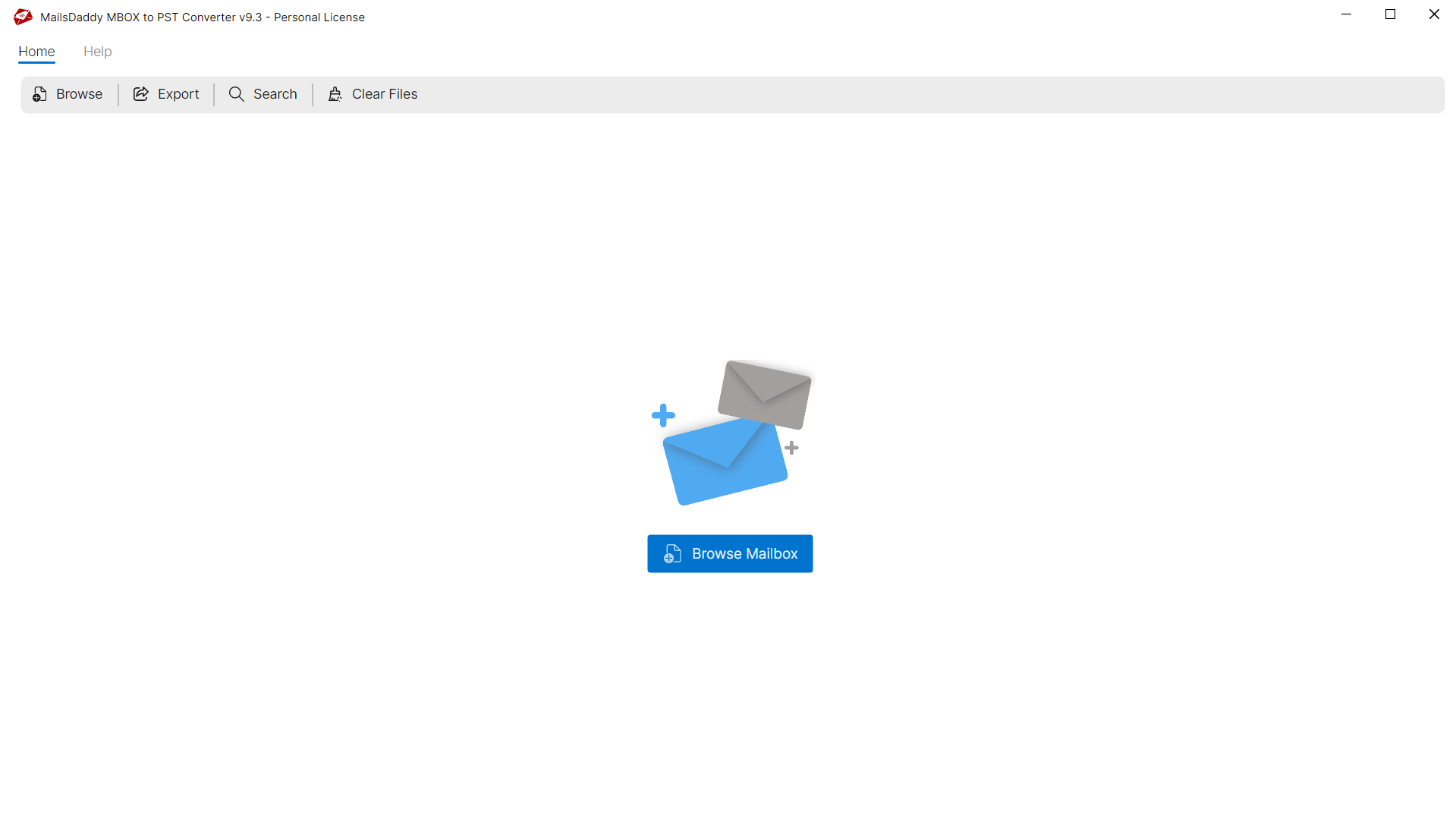

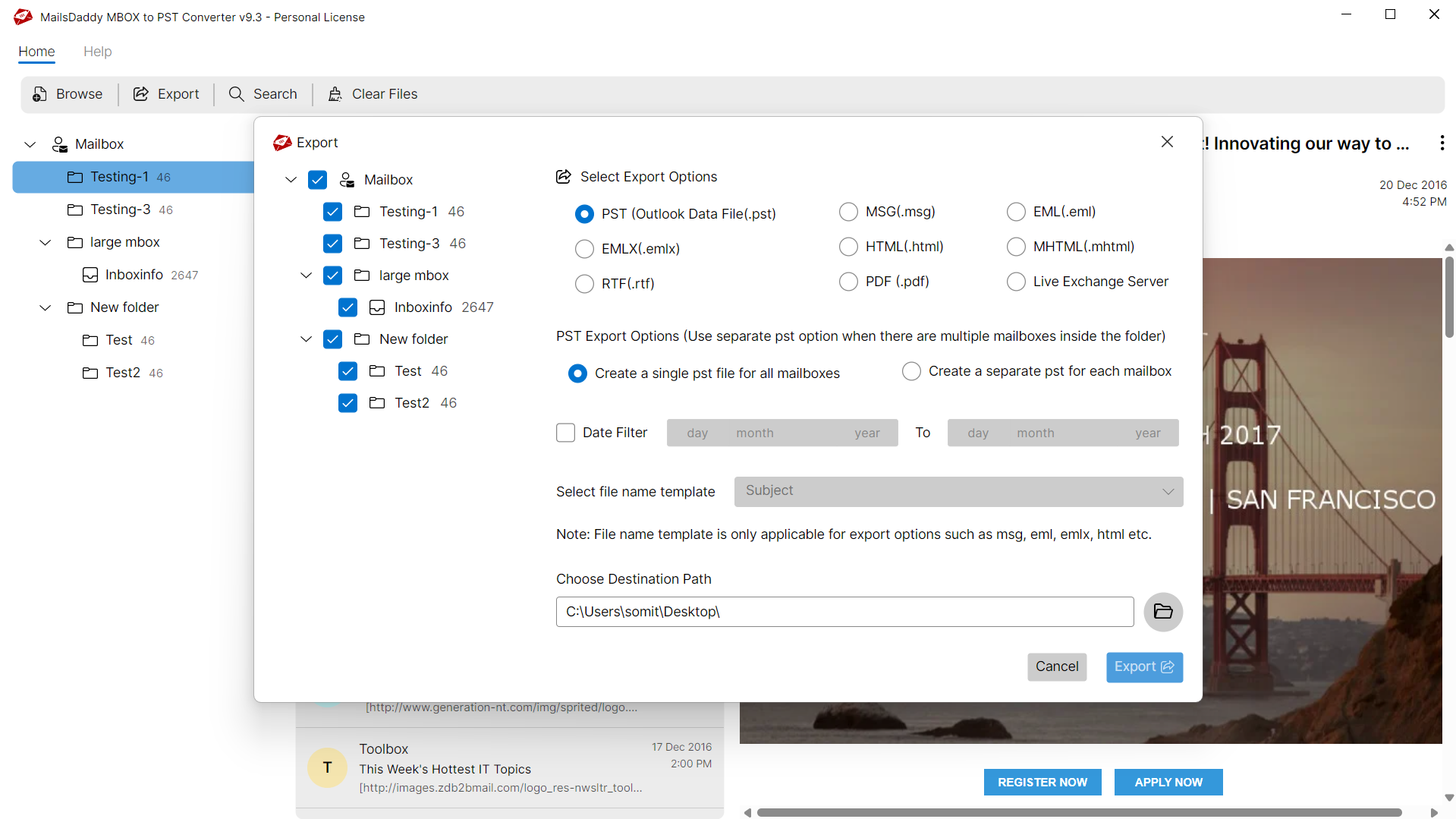
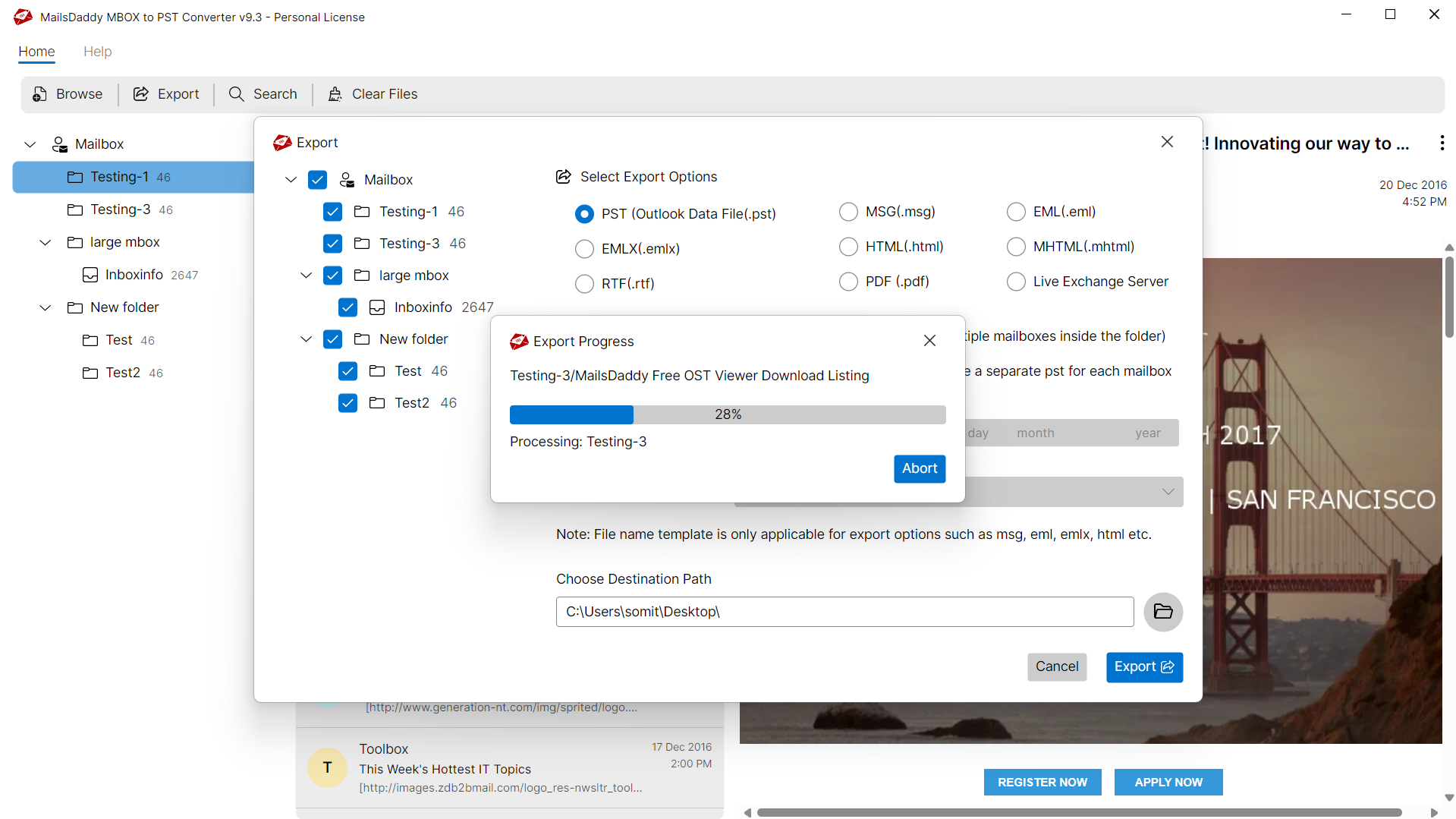
Looking for the complete user manual and working guide?
Explore comprehensive guides for standard PST conversion, search & filter migration, and Live Exchange Server export.
Technical Specifications
Engineered for lightweight footprint, standalone execution, and broad enterprise compatibility for MailsDaddy MBOX to PST Converter.
System Requirements
Full support for Windows Server 2022, 2019, 2016, 2012, 2008 & 2003 (32/64-bit)
Platform Support
Supported Formats
MBOX
Retains 100% attachments, inline images, headers, and metadata
Preserves complete folder hierarchy, read/unread flags, and timestamps
100% Offline & Private
Zero cloud uploads or telemetry. Processing happens strictly within your local machine.
No Outlook Required
Completely standalone engine. Processes MBOX files without requiring host email clients.
No File Size Limits
Tested on massive 50GB, 100GB, and 500GB+ enterprise mailboxes with zero crash.
Full Windows Support
Native execution across Windows 11 down to Windows XP & all Windows Server editions.
Trusted by IT teams and professionals worldwide
Explore our client testimonials to see why users trust and recommend our solutions.
“Unbelievable utility! It made MBOX conversion so much easier and faster. It wouldn't have been possible without this MBOX Converter for Outlook. I give it five stars for its excellent performance. Thank you to the technical team for guiding me on how to export MBOX files to PST format using this app.”
Alex Murray
“I really appreciate the support teamwork, who make MBOX to Outlook conversion so faster and cheaper. Mainly the option to merge all mbox files in a single PST file is the best feature ..i can't explain this in word …impossible work , great job, thank you.”
James Smith
“Ik zou graag dank aan Mailsdaddy team voor het aanbieden van deze MBOX naar Outlook converter die mijn kostbare mails bespaart en laat me in staat om mijn werk in Microsoft Outlook te hervatten. Zoeken en exporteren geselecteerde mails is de beste eigenschap die ik heb gezien in dit MBOX aan PST conversie-tool.”
Jayden Finn
Need Help with MBOX to PST Converter?
Our dedicated 24/7 technical team is available to assist you with any migration or recovery challenge.
The free demo version lets you preview all items and export up to 20 emails per folder.
Frequently Asked Questions
Find clear answers regarding the MBOX to PST Converter conversion process, file compatibility, and recovery features.
To export MBOX to PST using Thunderbird, first ensure that you have imported the MBOX file into Thunderbird using the Import-Export add-on. Next, use the IMAP-bridge method to access your Thunderbird emails on Gmail or any other webmail service, and then proceed to Microsoft Outlook.
Start migrating with MBOX to PST Converter today.
Download the free trial and inspect your recovered mailbox in minutes.