Authentic Step-by-Step User Manual
Working Guide Of The Software
how to read & open OST mailbox without using MS Outlook
How to View OST Mailbox? (4 Steps)
Click on any screenshot to view full resolution.
Step1-
Step1-: Complete Operation
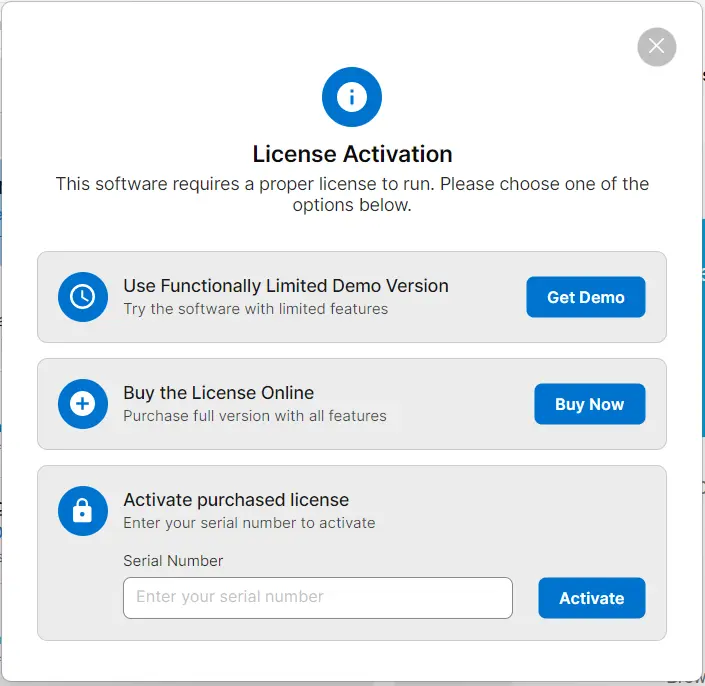
Download and install the MailsDaddy Free OST Viewer software, then activate the application using a valid license key.
Click to Enlarge
Step2-
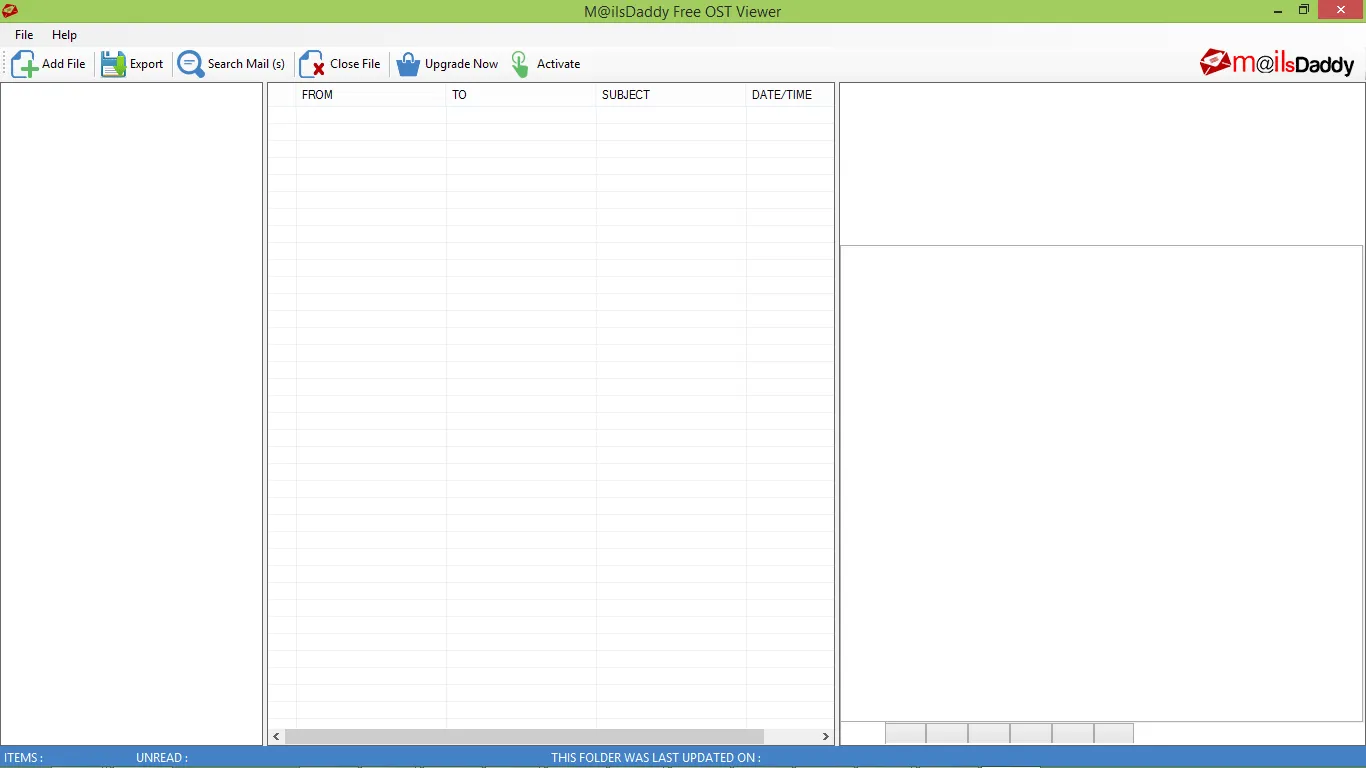
Start the software and click the " Open File " button to add the OST file for viewing.
Start the software and click the " Open File " button to add the OST file for viewing.
Click to Enlarge
Step3-
Step3-: Complete Operation
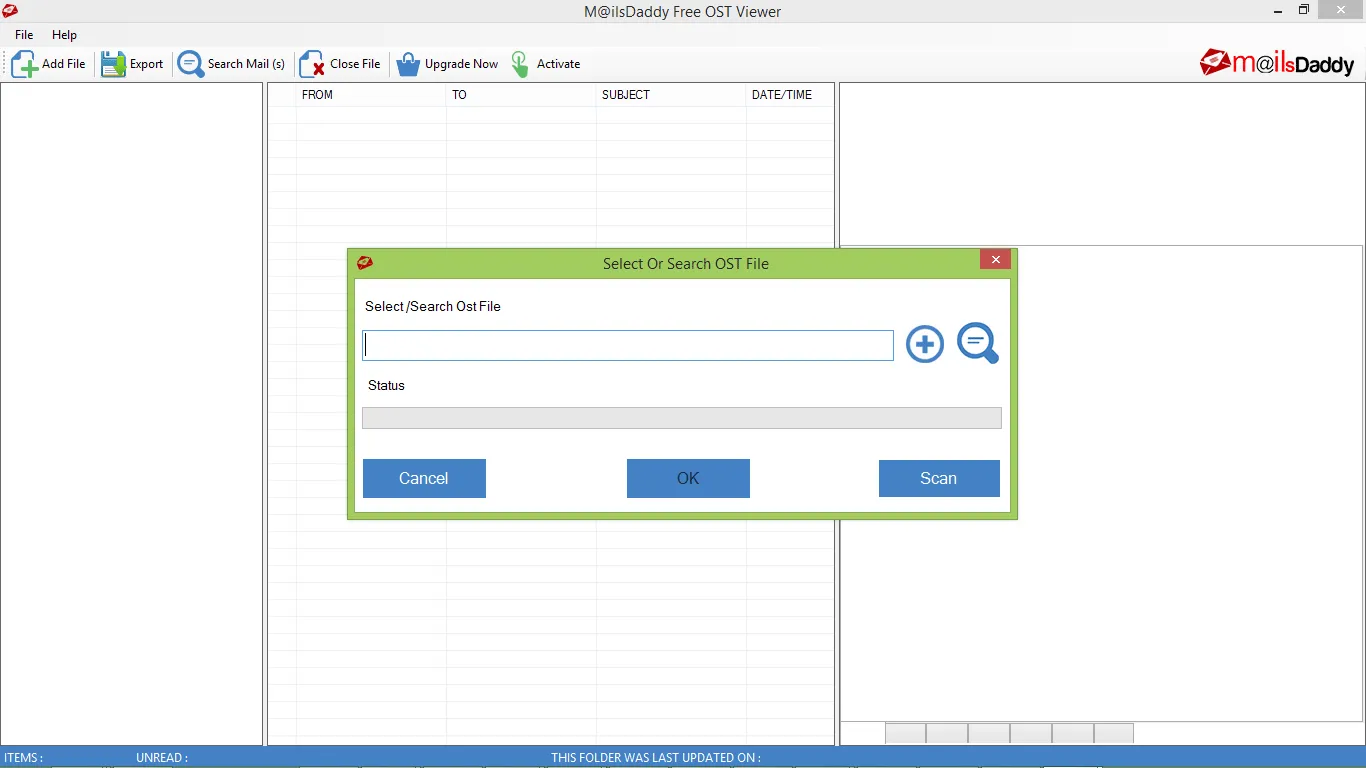
Browse and select the OST file, then click the " Open " button to load the OST file into the viewer.
Click to Enlarge
Step4-
Step4-: Complete Operation
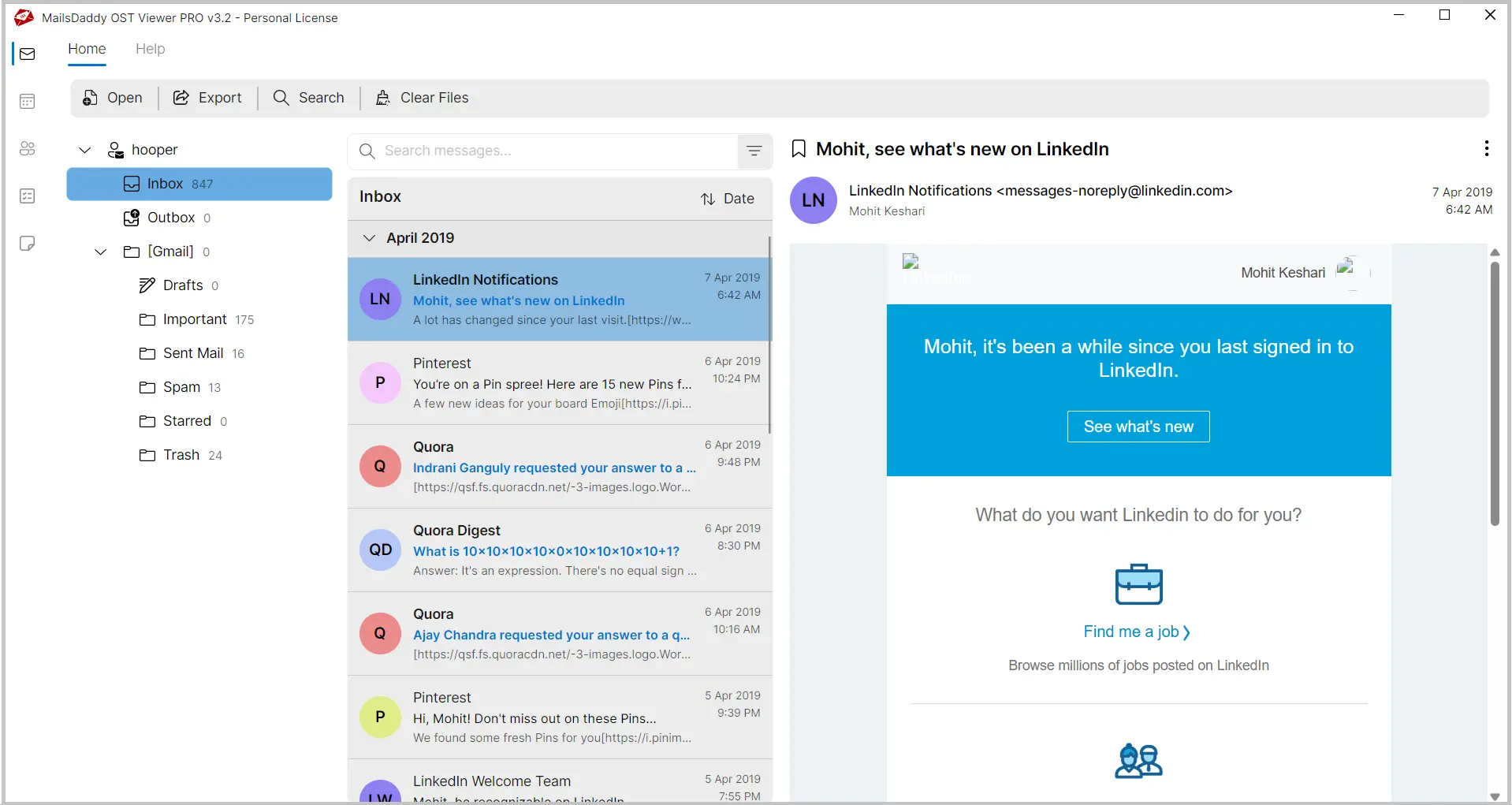
MailsDaddy Free OST Viewer software displays a complete mailbox preview while preserving the original folder hierarchy and email structure.
Click to Enlarge
Ready to Start with Free OST Viewer?
Download the free trial version to preview all mailbox items or buy the full license for unlimited conversion.