Step To Step Process Of MailsDaddy OLM To PST Converter Tool
Working Guide of the MailsDaddy OLM to PST Converter Software.
How to Convert OLM to PST (9 Steps)
Click on any screenshot to view full resolution.
Step 1: Complete Operation
First, you need to download the tool from its official website and install it in a Windows OS. (Know how to install the tool to convert OLM to Outlook PST in machine) . After installing the tool in the local machine, run the executable file.
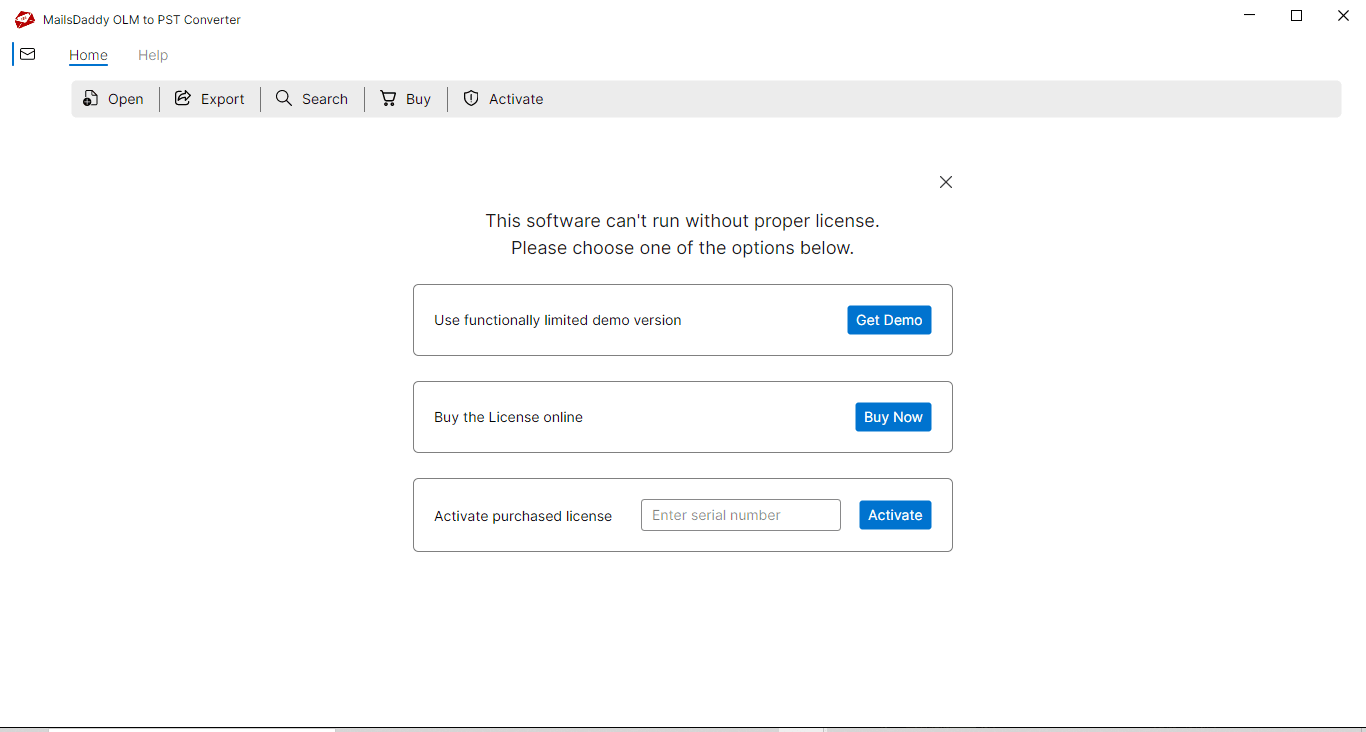
As the .exe file runs, a window will appear to active a license for you
As the .exe file runs, a window will appear to active a license for you. From here, you can get the free demo version of the tool and explore its functionalities. Note: If you have a valid license key then insert it in the respective field to activate the license. After activating the license, the tool restarts automatically again.
Step 3: Complete Operation
After appearing the first window of the OLM to PST Converter tool, click on the Open File button .
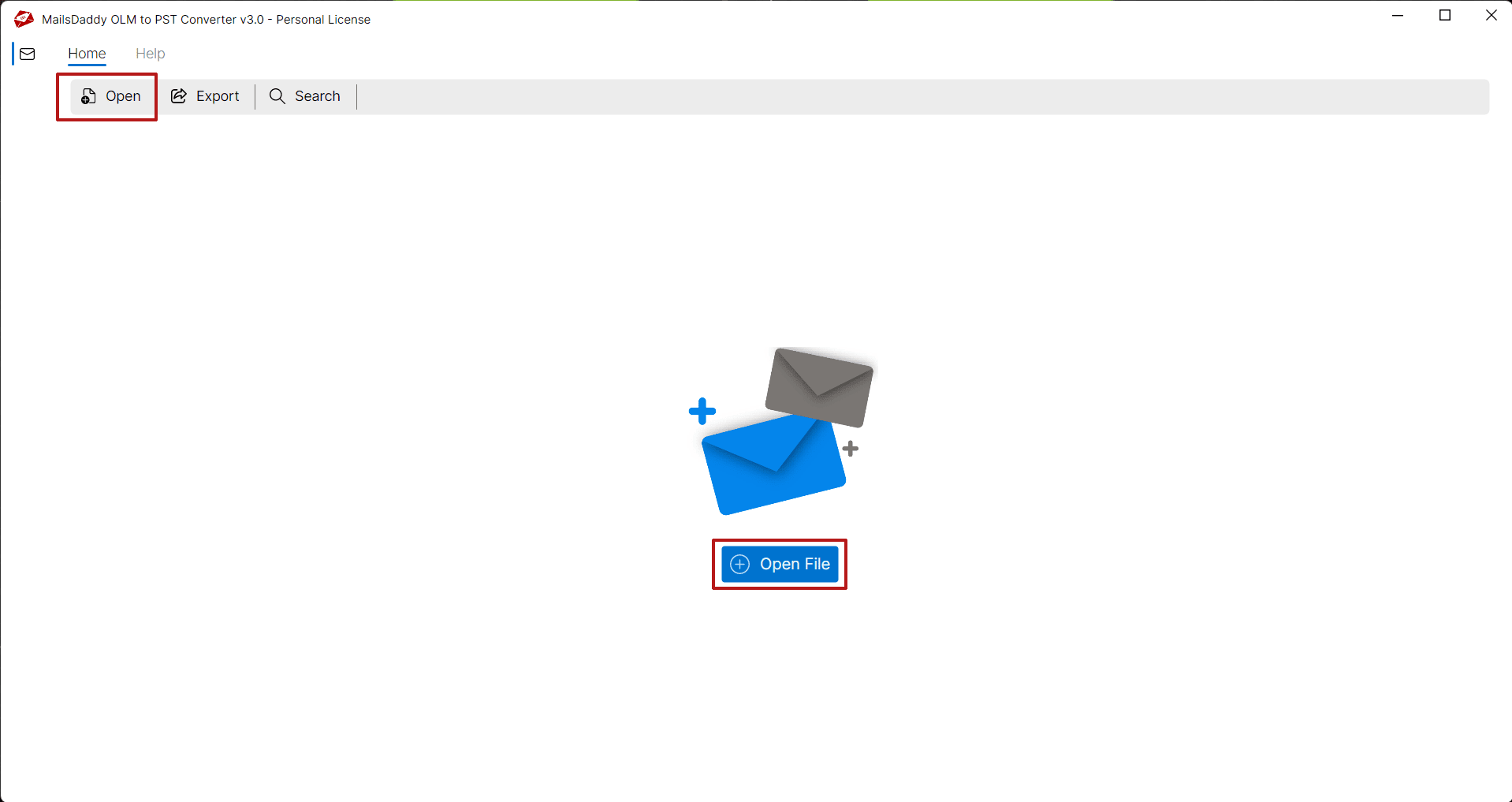
Browse the location of OLM data file and open into the software.
Browse the location of OLM data file and open into the software.
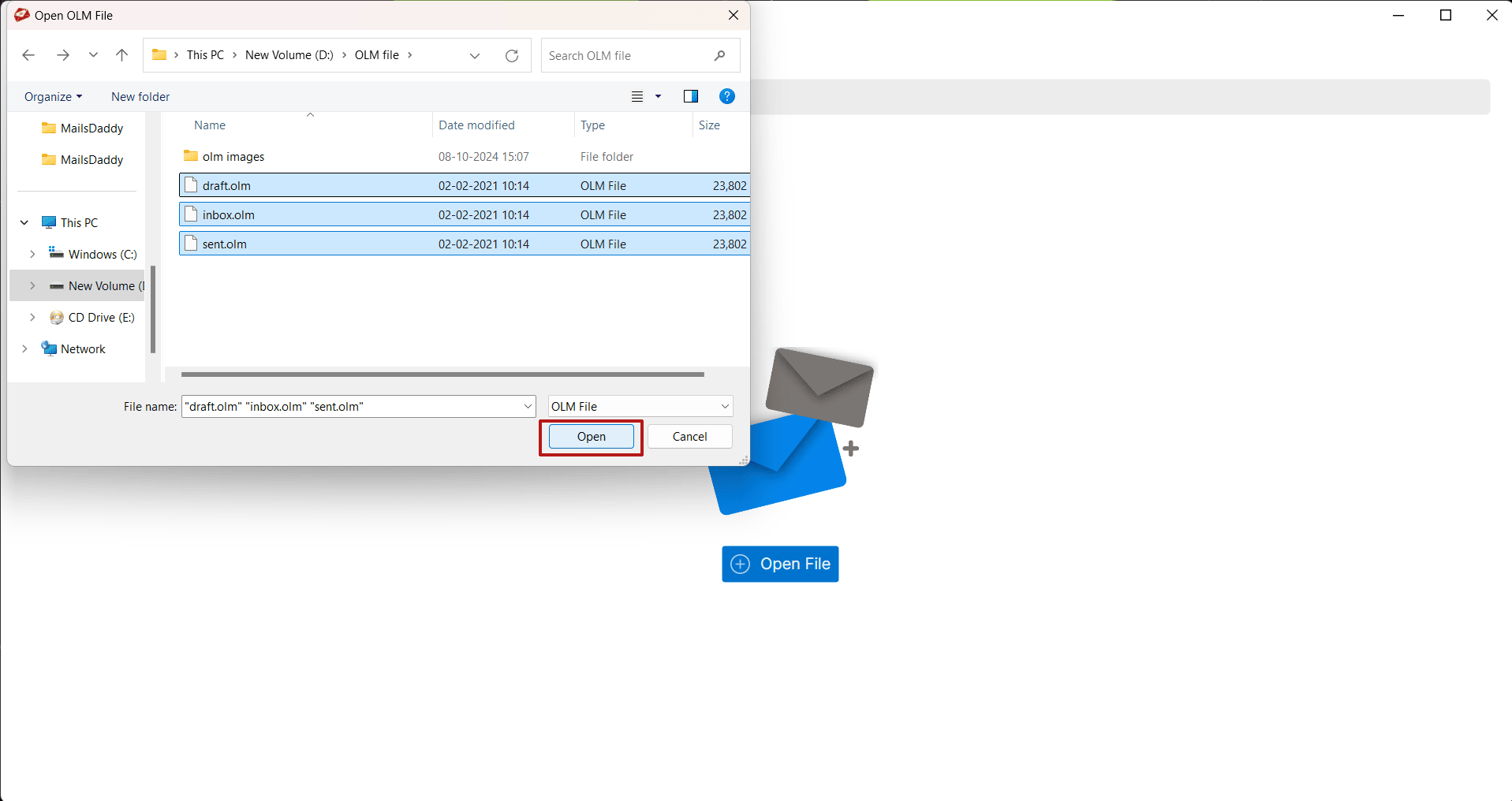
After loading the mailbox, user can view the selected items in the right side of pane.
After loading the mailbox, user can view the selected items in the right side of pane.
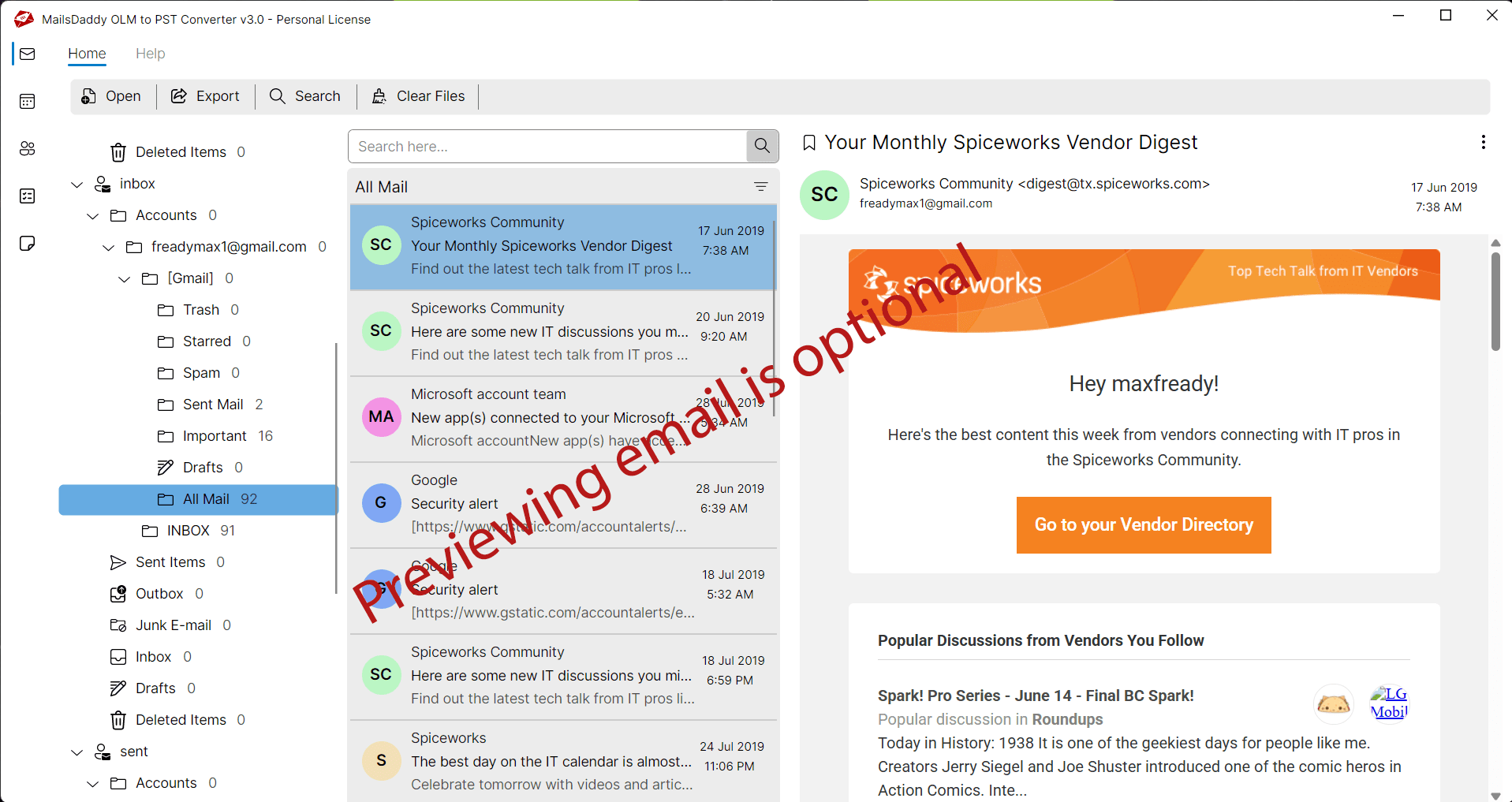
Click on Export button to go to batch migration window.
Click on Export button to go to batch migration window.
Select export option like PST then save the location of exported mailbox
Select export option like PST then save the location of exported mailbox. Date filter is optional.
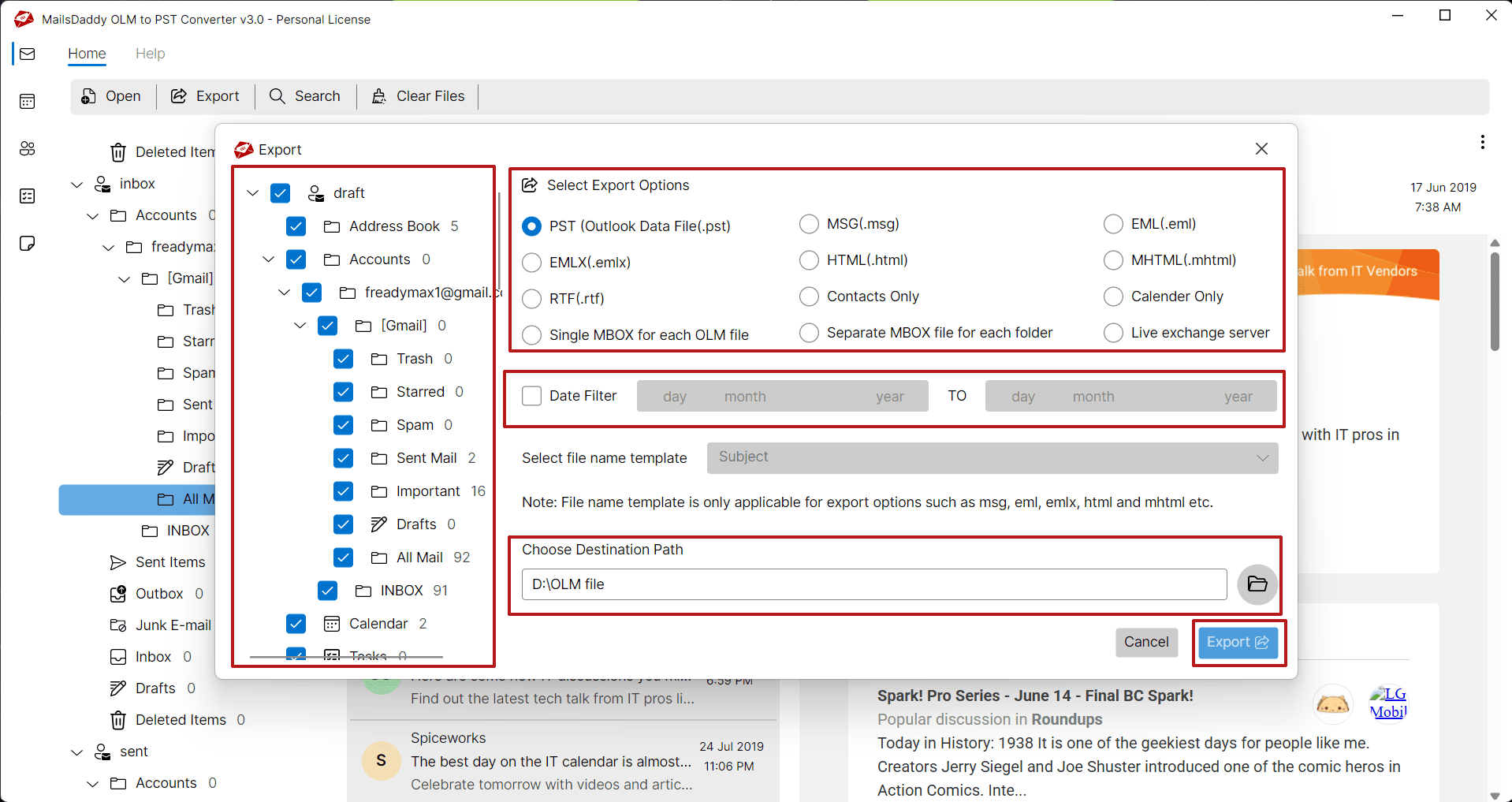
Step 8: Complete Operation
Now click on the Export button of the OLM to PST Converter tool to start the process and wait until the process ends.
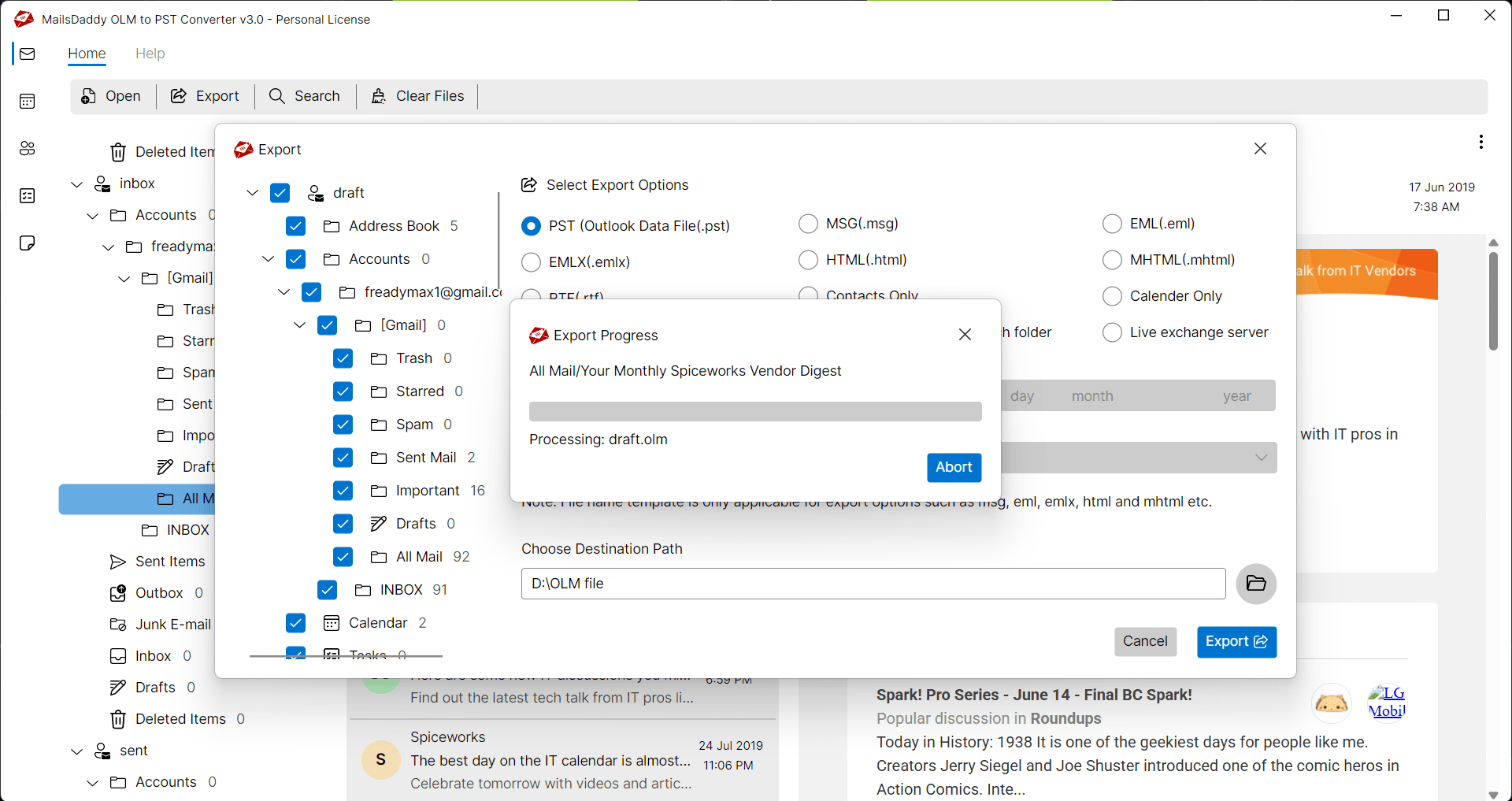
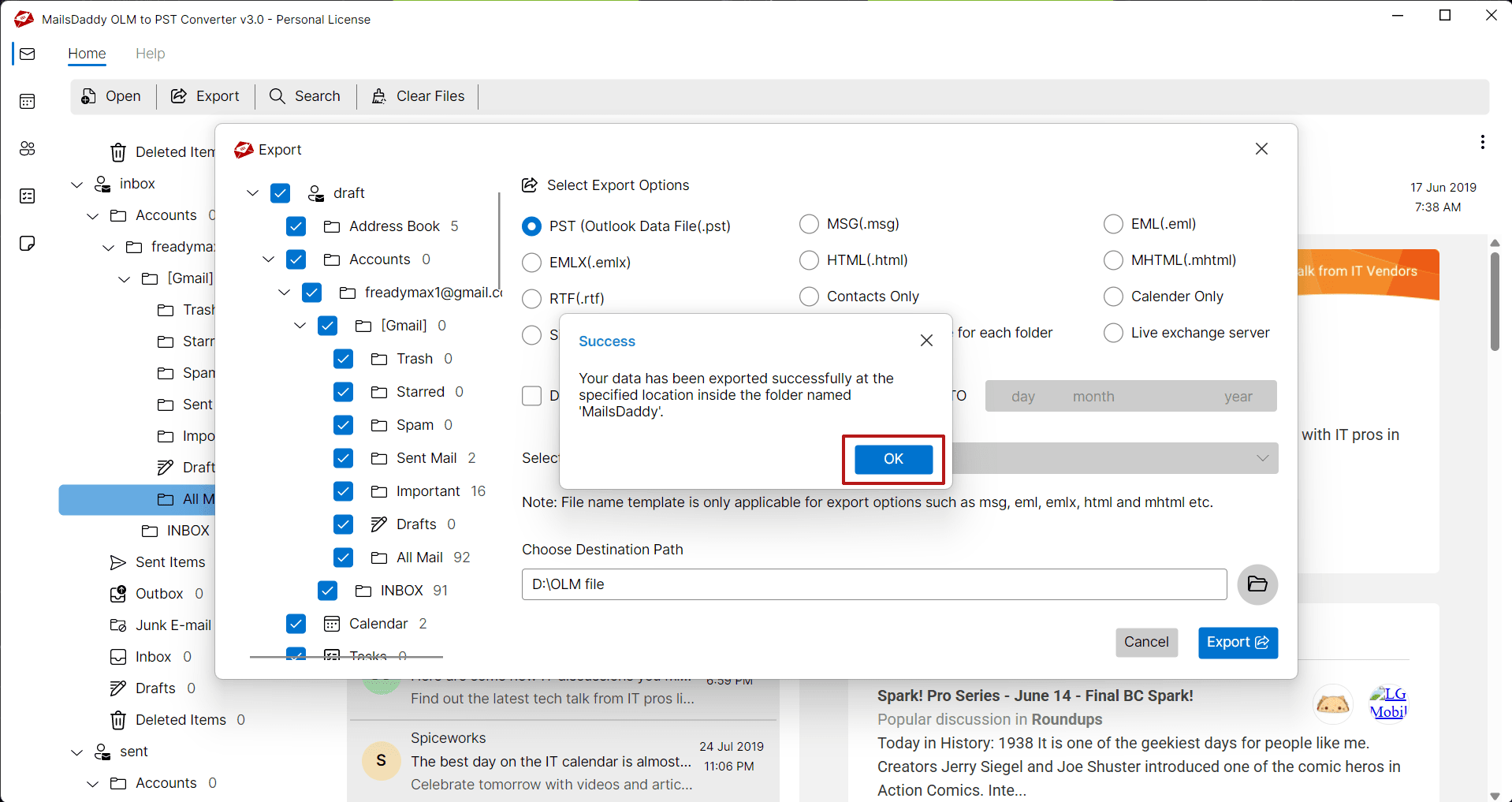
Step 9: Complete Operation
After completing the process, click on the Ok Button from the confirmation window and finish the process. Read how to Open or import PST file in Outlook 2019, 2016, 2013 in a Windows OS-compatible systems.
Ready to Start with OLM to PST Converter?
Download the free trial version to preview all mailbox items or buy the full license for unlimited conversion.